
🧩 Architects Weekly #70 | Changelog, Upcoming webinar, New video, Tip: Propagating Select-Fields
See what's new in Fibery!
Hi 🎤,
In this week's release, we've added a usage dashboard for your AI credits and Automation runs. You can also manually edit the code in your Custom Apps now.
We've also got a webinar coming up next week, a new video about Custom Apps with our customer Pixolith, and a tip about propagating Select-Fields in Automations. Happy selecting!
📫 Weekly Changelog — August 27, 2026
Usage dashboard for AI, automations, and integrations
If you’ve ever wondered where all your AI credits have gone or which automation has eaten all the monthly runs, now you can answers these questions:
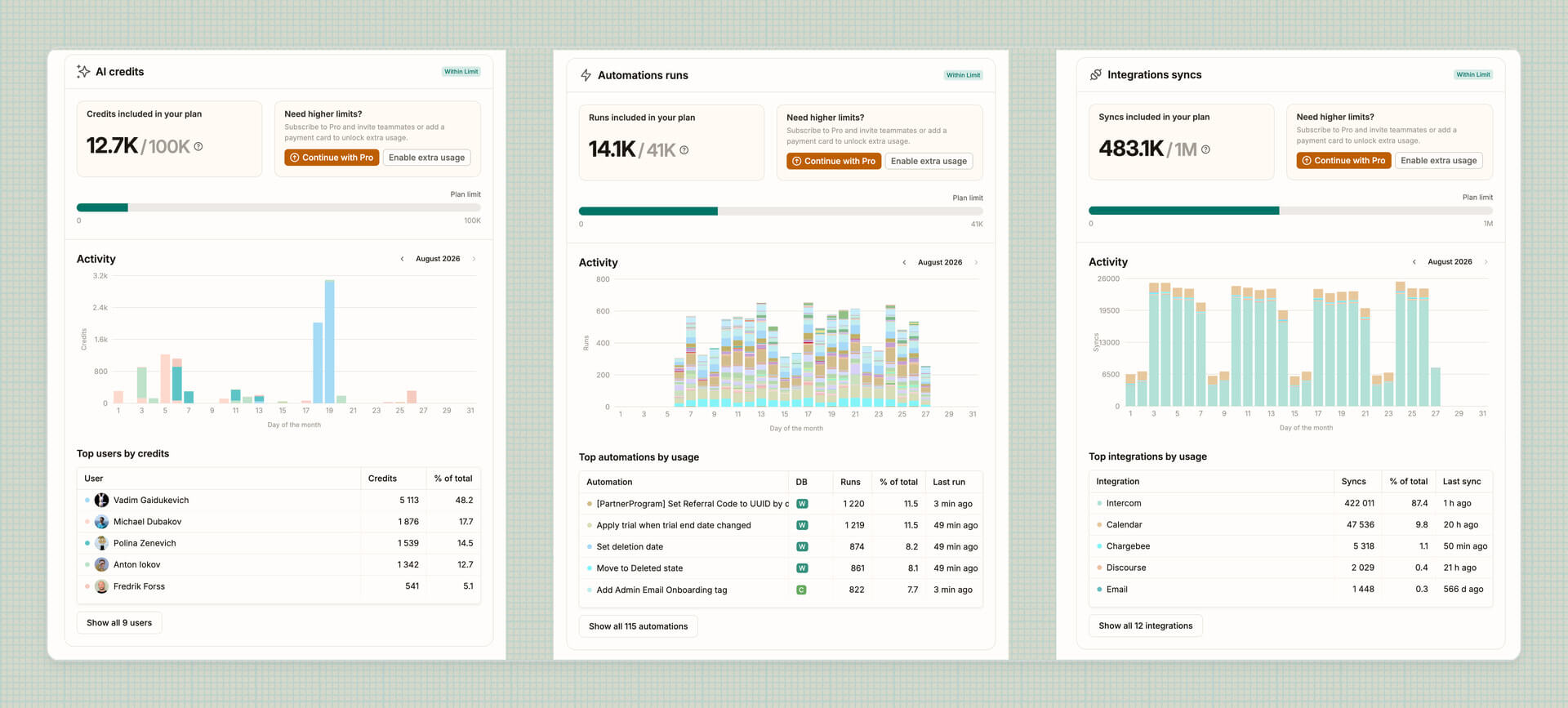
Go to Settings → Extra usage and find out who’s your org’s top tokenmaxxxer, which automation goes brrr, and which integration syncs half the internet.
Then consider one of these action items:
- Optimize automations and integrations that consume an oversized portion of resources: for example, ensure you’re batching effectively and sync only what you need.
- Switch to MCP for the most challenging AI tasks like creating custom apps.
- Enable extra usage in case everything looks good, and you’ve just outgrown your plan.
Since we are historically bad at tracking your data (usually this is a good thing!), the charts for automations and integrations will only appear starting from September 2026. AI goes back a while, though.
Manually edit custom app’s code
You can now open any custom App’s code and edit it directly — no AI in the loop. Some of you write code and asked for this, so here it is. All power to the humans!
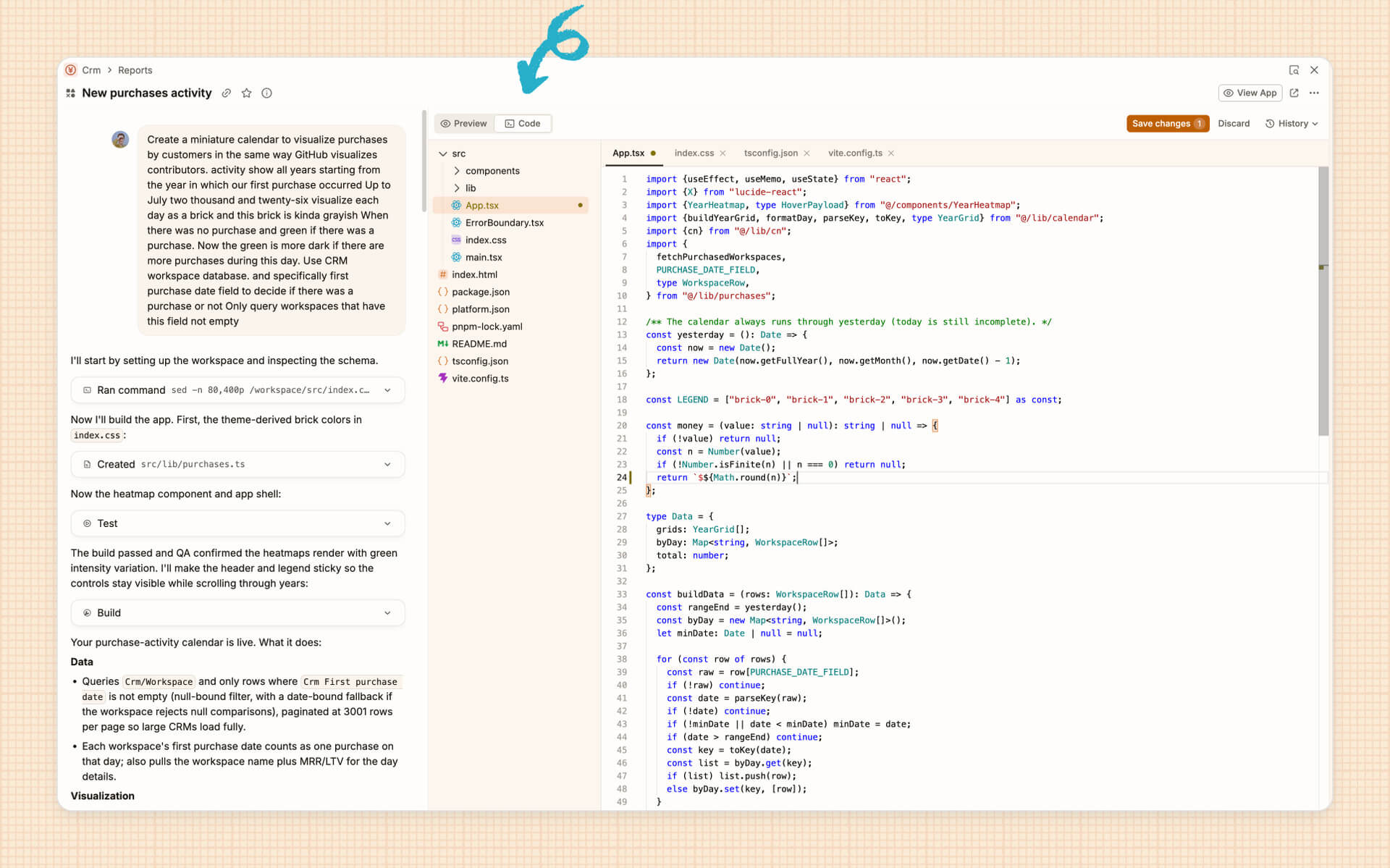
Open an App in Edit mode, go to Code tab, make your changes, press Save. Give it a few seconds while the App rebuilds.
It’s meant for tweaks to AI-generated code — small ones, or not so small. You can edit existing files, but adding and deleting files isn’t supported yet.
Switch between desktop tabs faster
Tabs you open in the background load quietly and stay ready, so switching to them is instant, no blank screens.
The app opens faster, and tabs you haven’t used in a while go to sleep to save memory.
🦋 Improvements
- Comments added via MCP now have a corresponding badge to help you distinguish between fully human and potentially AI contributions.
- History: you won’t see via UI on almost every single entry in Entity and View history, we’ve remove this clutter.
- Space templates: the modal you see when sharing a Space as a template now looks nicer (and features a dog!).
- Currency exchange: you can now select specific currency pairs you’re interested in to avoid syncing a combinatorial explosion.
We've also fixed 32(!) bugs, see all the details in the changelog!
📺 Webinar
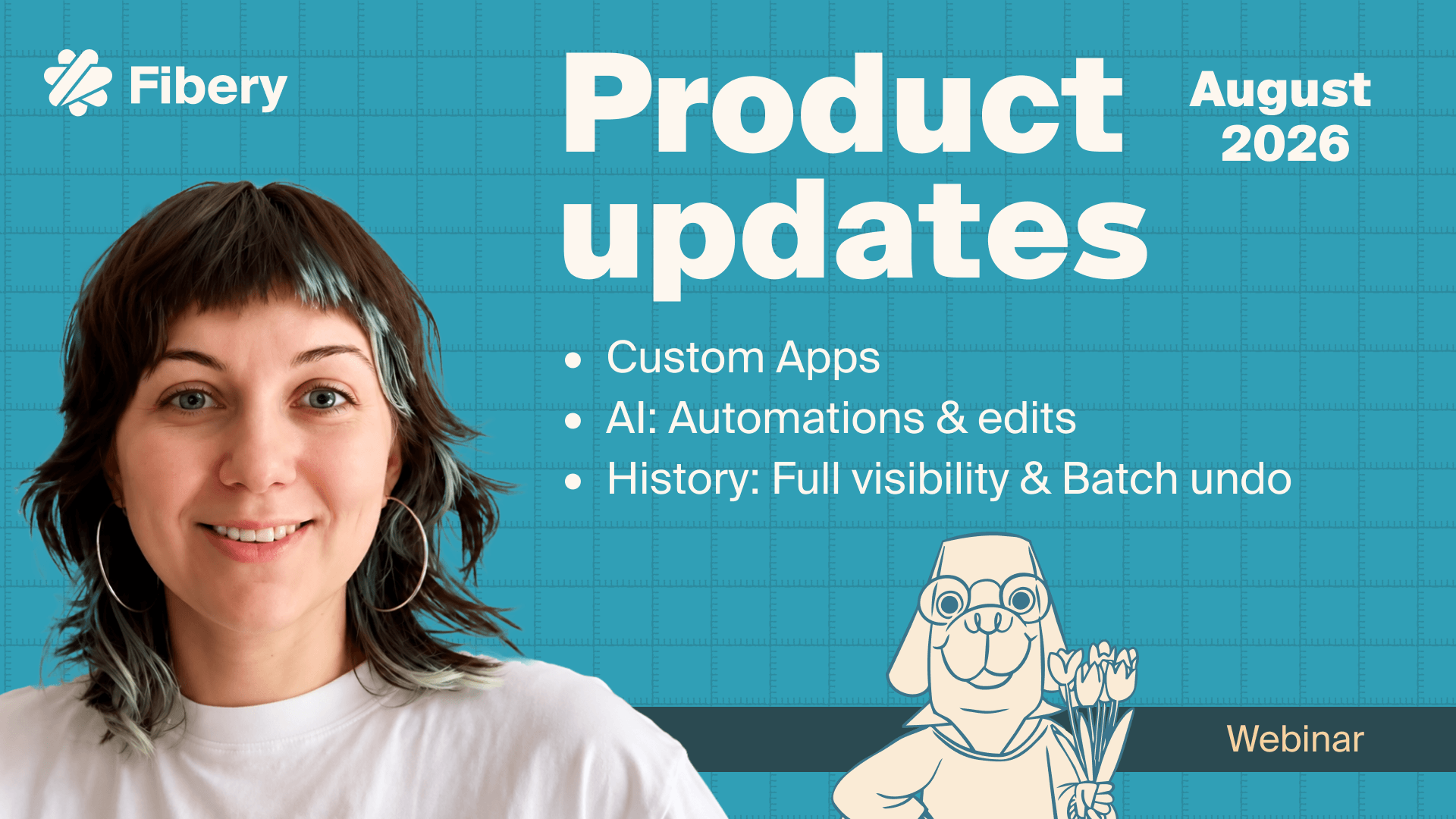
We've got another product updates webinar coming up next Wednesday, September 2nd, 2PM CEST. The big topic is of course Custom Apps, hope you're not sick and tired of hearing about them... They're evolving quickly so maybe, just maybe, there's something you didn't know about yet.
We've also brought back building Automations with AI, this time around it's working better—let us know otherwise! Historically speaking, we've brought more visiblity on who did what and when, and released Batch undo to fix big mistakes (or rather lots of small ones). Join us next week!
📺 New video

This summer we visited our customer Pixolith who have been using Fibery for years and often surprise us by building things we didn't even think of. While we were there, we sat down to ask a few questions to Christoph, CEO & Founder.
This particular video covers his views on Custom Apps—first impressions, how Apps change how they use Fibery, and what they mean for their future. Coming up in our future, we'll release a longer interview with Christoph about Fibery in general, keep an eye out!
💡 Tip of the Week
When creating or editing Entities, you can copy Select-Field values from one to another, even across Databases. For example, when a client is created from a lead, copy their tags and segment. Or when a private task changes state, the linked public task should also change state.
Set up an Automation Formula that does this for you with [Step 1 Entity].[Select Field]. There are a few things to keep in mind, like mapping being case-sensitive. Check out the guide for all the details and caveats!

|


