
🧩 Architects Weekly #78 | Changelog, Product report, Tip: Access changes in Activity Log
See what's new in Fibery!
Hi 🕵️,
If you like uploading things, you'll like this week's release. We've got improvements to uploading files to rich text and to Fibery via MCP. More illustrations and better performance are also here for you.
This week we've also got September's product report and a tip on checking access changes in the Activity Log. Enjoy!
📫 Weekly Changelog — October 22, 2026
Small release today with some quality of life improvements.
Upload multiple files at once in rich text
You can now add multiple images, videos, and files to your documents at once, without uploading them one by one.
- Drag and drop: Drop multiple files into a document, and each will automatically appear as a separate image, video, or file block
- Images and videos: Use the new Upload and Upload by link options to add media
- File blocks: Upload multiple files at once, preview and manage them, and choose to display them inline or as separate blocks
Fibery MCP Improvements
Upload local files to Fibery via MCP
Your AI assistant can now upload files from your computer to Fibery. Ask it to:
- Attach screenshots, logs, receipts or any other file to an entity’s Files field
- Put an image into a description or any other rich-text field
For example, prompt:
Create me a document in my Private space on a topic of which party will win midterms in USA with forecasts charts and other useful infographic. Be inventive and verify the data before generating images, I want to have a good and honest picture
And the result (with many nice charts):
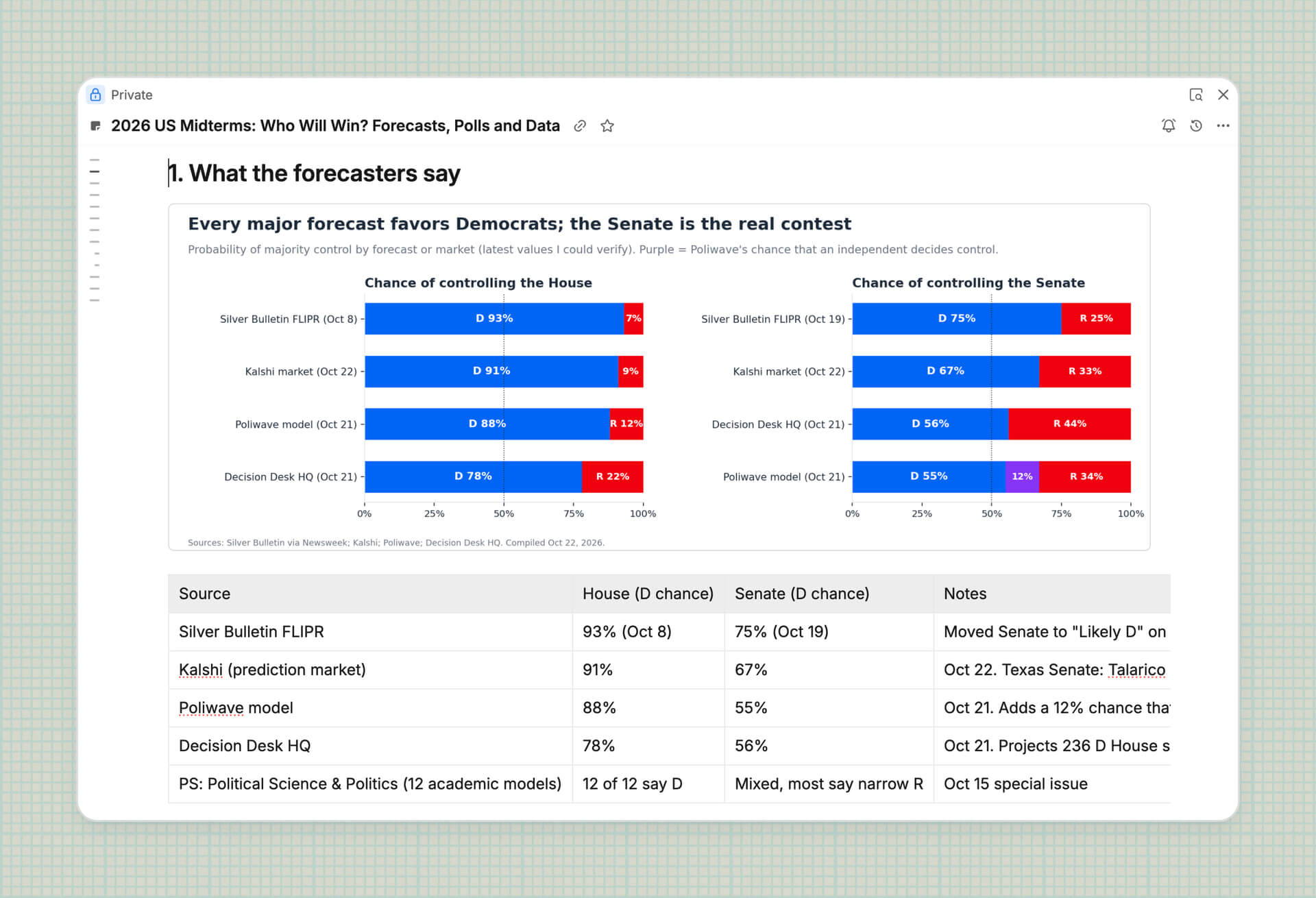
The file goes straight from your machine to Fibery, not through the chat.
- Where it works: MCP clients that can run commands on your computer, such as Claude Code (including the Code tab in Claude Desktop), Codex and Cursor.
- Where it may not work: regular chats in Claude.ai, Claude Desktop and ChatGPT. Their code runs in a cloud sandbox that can’t reach Fibery. Use add_file_from_url there if the file has a public link.
Other MCP Improvement
- Automations rules creation is more reliable now
- Fibery AI and MCP can now add mentions inside rich text fields, documents and comments. You can mention entities, people, views, databases, and automations
Mo new illustrations
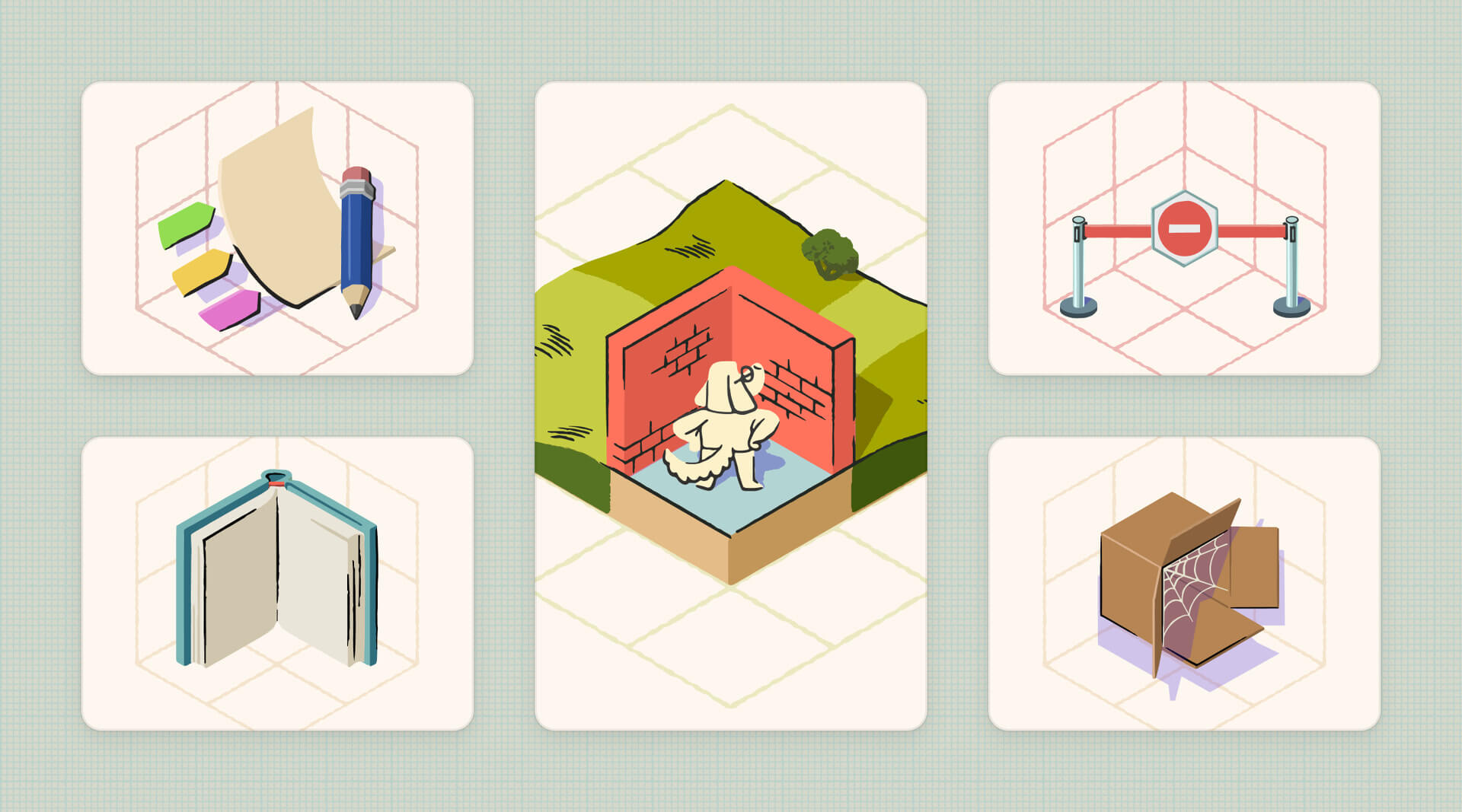
Another fresh batch of illustrations has arrived in Fibery. You’ll notice updated artwork across Entity views, history screens, backlogs, and “No access” pages. These updates bring the app’s UI even closer to our brand identity and vision for the product. Enjoy ✨
💨 Performance
- Fewer timeouts when you tinker with the schema. Adding, renaming or deleting a simple field, and recoloring or deleting a Database, now finish as soon as the server says OK
- Fibery went on a diet. The app is smaller and comes in twice less pieces. You probably won’t feel it on a single click, but it adds up
🦋 Improvements
#and[[menus survive picking database via mouse when “Search operators” experimental feature enabled- Switching browser tabs no longer moves your place in a comment thread
- Richer colors in document-highlights and custom-apps text colors for modern wide-gamut (P3) displays
We've also fixed 20 bugs, see all the details in the changelog!
📊 Product report

In this month's Product report — we've put out the first release of Hiding data from Admins, which has required a lot of adjustments but also paved the way for future features. Growth has had a slower month, but with some more focus it will bounce back.
Custom Apps continues to grow and we continue to develop the experience, with good usage and nice apps. For our AI agent friends, we rewrote our own agent and let agents do more in whiteboards and rich text. We'll continue to put effort into MCP and its capabilities as its become an important feature. Get the full scoop after the click!
💡 Tip of the Week

If you or someone in your team is affected by permissions loss, check with your doctor if Activity Log is right for you. Because it is. You can check who has shared or unshared an item. How and when could they do such a thing?! Check the Activity Log.
Why the item was shared or unshared—you'll have to ask the person who did it or it will remain a mystery. To take a guess—it was the butler, in the library, with the wrench.

|


